Download Minecraft MOD APK () Free for Android
29 Oct 2026Size
1.1 GBVersion
v1.26.70.22Requirements
Android & IosDownloads
10000+
Description
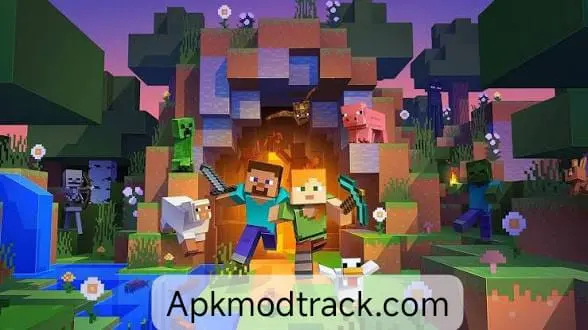
Imagine starting with an empty piece of land and turning it into a home, a village, or even a huge castle. That is the fun of Minecraft, where your ideas can become part of the game. You can collect blocks, build different structures, explore new places, and create a world that matches your imagination. There is no single way to enjoy the game, so that every player can make their own adventure.
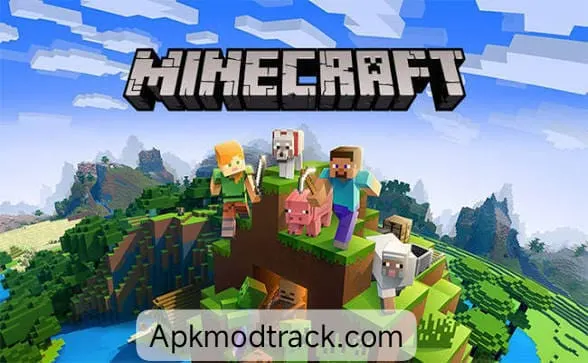
One of Minecraft’s best features is the freedom it gives you. You can spend your time building a peaceful house, searching for useful materials, exploring caves, or discovering new areas. Each activity brings something different to the experience. You can play at your own pace and keep finding new ideas every time you enter your world.
Minecraft MOD APK is a term used for unofficial modified versions of the original game. These versions may advertise extra items, unlocked features, or other gameplay changes. However, the available options depend on the specific file, and not every advertised feature is guaranteed to work. It is important to check the version details before deciding whether it suits your needs.
For players who enjoy creativity and exploration, Minecraft offers plenty of ways to make each session feel different. You can plan a new building project, improve your surroundings, or explore places you have not visited before. If you enjoy exploring virtual worlds in a different way, Openworld Indian Driving Game MOD APK is another option to learn about, featuring an open-world driving experience. If you are interested in a modified version, learn what it actually changes and consider the safety of the file before installing it. This helps you make a more informed choice while enjoying the world-building experience.
What Makes Modded Minecraft Different From the Play Store Version?
The main difference between modded Minecraft and the version available on the Play Store is the type of changes they may offer. The official version provides the standard Minecraft experience, with building, crafting, exploration, survival, and regular game updates. A modified version may include extra items, changed gameplay settings, or features that are not part of the normal release. These changes depend on who created the modification, so every Minecraft MOD APK can offer a different experience. Some versions may focus on creative options, while others may change how players collect resources or use certain items.
Another difference is the way players access updates and additional content. The official Minecraft version receives updates through its supported distribution system, making it easier to check version details and maintain compatibility. A modified version may follow a different update schedule, and it might not work properly with the latest game release. Worlds, add-ons, multiplayer features, and saved progress may also behave differently between versions. Players should check these details before switching, especially if they have spent a lot of time building their own world and want to keep it safe.
The choice also depends on what kind of experience a player wants. The official Play Store version offers a more reliable way to access the game, receive supported updates, and use compatible features. Minecraft MOD APK may interest players looking for specific gameplay changes, but the advertised extras are not always available or reliable. Unofficial files can also carry security risks, and some modified versions may not support online play or work with existing worlds. Understanding these differences helps players choose the version that fits their preferences while keeping their device and game progress in mind.
Why Is Minecraft MOD APK Played Around the World?
Freedom to Build Anything
One reason Minecraft attracts players from different countries is the freedom to build almost anything they can imagine. Players can create small houses, tall castles, modern cities, farms, and many other structures using blocks. This creative style gives everyone a chance to try their own ideas. Some modified versions may offer extra building options, which can interest players who want to explore different ways of creating their worlds.
A Different Experience for Every Player
Minecraft does not force everyone to follow the same path. One player may enjoy building a peaceful village, while another may prefer exploring caves, collecting materials, or facing challenges in Survival Mode. This variety helps keep the game interesting for people with different playing styles. Modified versions may change certain parts of the experience, although the available features depend on the specific version.
Extra Features and Custom Options
Some players search for Minecraft MOD APK because they are interested in additional items, changed settings, or other gameplay options. These features can make a modified version feel different from the standard game. However, not every APK includes the same changes, and some advertised features may not work as expected. Checking the version details helps players understand what is actually included.
A World Full of Exploration
The Minecraft world offers many places to discover, from forests and oceans to mountains and underground caves. Exploring these areas can lead players to useful materials and new building ideas. There is always another place to visit or another project to start, which gives players a reason to return to their worlds. This sense of discovery is one of the main attractions of Minecraft itself.
Fun With Friends
Playing together can make Minecraft even more enjoyable. Friends can work on a shared building project, explore an area, or create their own challenges. Multiplayer compatibility depends on the game version, server settings, and whether everyone is using compatible software. Some unofficial modified versions may not support the same online features as the official release.
Easy to Make Personal Projects
Minecraft lets players turn simple ideas into personal projects. Someone might build a dream house, design a working farm, or create a complete town with roads and shops. These projects can grow over time as players collect materials and learn new building techniques. The creative freedom is a major reason the game continues to attract different types of players around the world.
Many Ways to Enjoy the Game
Minecraft combines building, crafting, survival, and exploration in one experience. Players can switch between activities whenever they want instead of repeating a single type of challenge. Some modified versions advertise extra options, but unofficial downloads should be checked carefully because they can contain security risks. For a dependable experience, the official version remains the safer choice for updates and supported features.
Do We Have to Pay to Play Minecraft MOD APK?
Free Access to Some MOD APK Versions
Some Minecraft MOD APK files are offered as free downloads, so players may not have to pay to download those particular files. However, this does not mean every version is free or safe. The official Minecraft game is a paid product on many platforms, and unofficial modified files are not the same as an official free release.
Explore Building and Crafting Features
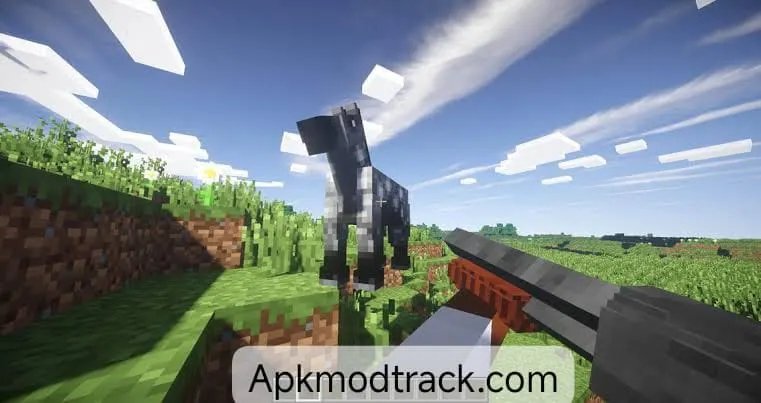
Minecraft is known for its creative building and crafting experience. Depending on the modified version, players may find changes to certain items, settings, or gameplay options. The features included can vary, so check the details instead of assuming every MOD APK provides the same content.
No Guarantee of Every Extra Feature
Some websites advertise unlocked items or additional features at no cost. These claims are not always accurate, and some downloads may include unwanted software or misleading installation steps. Be careful with files that ask you to install extra apps or provide unnecessary personal information.
Check the Cost Before Installing
Before choosing a version, review its actual terms and source. A file being labelled free does not guarantee that every feature, online service, or related content is free too. The official version provides a more reliable way to receive supported updates and access the game’s intended features.
Quick Review of the Features Offered by Minecraft MOD APK
- Build houses, castles, farms, and cities using different blocks.
- Explore creative mode and enjoy building with fewer resource limits.
- Discover different blocks and materials for new building ideas.
- Some versions may offer additional items and unlock options.
- Collect materials and craft tools during survival gameplay.
- Explore forests, mountains, caves, oceans, and other locations.
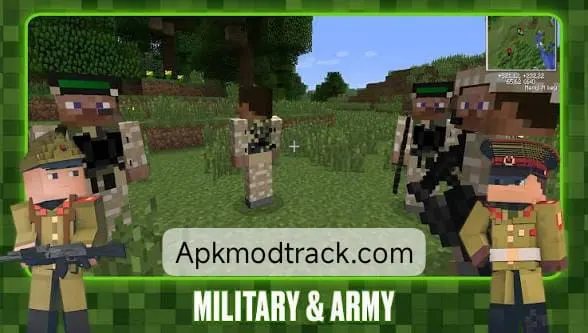
- Customize your character using available skins and add-ons.
- Try different gameplay settings offered by certain modified versions.
- Create large villages, modern cities, and other creative projects.
- Enjoy offline gameplay where supported by the game version.
- Play with friends when multiplayer features are compatible.
- Discover different options depending on the version you use.
- Check Android compatibility before installing the game.
- Review the file carefully because unofficial APKs may carry security risks.
Simple Download Process of Minecraft MOD APK
Check Your Android Device
Before getting the Minecraft MOD APK, check your Android version and available storage. Your phone should have enough space to install the game and save your worlds. Checking compatibility first can help you avoid common installation problems.
Choose a Reliable Source
Look for clear information about the game version and the publisher. Unofficial APK files can contain harmful software, so avoid unknown websites, suspicious ads, and pages that make unrealistic promises. The official Minecraft app is the safer option for a trusted installation.
Check the Game Version
Different Minecraft versions may offer different features and require different Android versions. Read the version details carefully before choosing a file. Remember that advertised MOD features are not guaranteed to work in every version.
Download the Game File
If you decide to use an APK, make sure you understand where the file comes from before downloading it. Do not download extra apps or files just because a website asks you to. Avoid any file that appears suspicious or triggers a security warning.
Review the File Before Installing
After downloading, check the file name and source information. Use your phone’s security tools to scan unfamiliar files, and do not disable security protections to get an installation to work. If anything seems unsafe, delete the file and choose a trusted option.
Install and Open the Game
Follow the installation instructions provided by your device only if you trust the file and its source. Once installed, open the game and check whether it runs properly. If it crashes or displays errors, remove the suspicious file rather than downloading unknown add-ons to fix it.
Transferring Saved World Files from Official Minecraft to the MOD Version
Find Your Saved Minecraft World
Your Minecraft worlds contain the buildings, items, and progress you have created during gameplay. Before moving to another version, make sure you know where your saved worlds are stored. The exact location can depend on your Android version and Minecraft storage settings.
Create a Backup First
Always make a backup of your world before trying to transfer it. You can use Minecraft’s available world export options, when supported, or another trusted backup method. Keep the original backup untouched so you can return to it if the transfer does not work.
Export the World from Official Minecraft
Open the official game and check whether the world has an export or share option. If available, export the world to a location you can access on your phone. Minecraft world exports commonly use the .mcworld file format, although the options available may vary by version and device.
Check Compatibility with the Other Version
Before importing the world, check whether the destination version supports the same world format and game features. A modified version may use a different game version or may not support every feature in your original world. This can affect blocks, items, add-ons, or other saved content.
Import the Saved World
If the destination version supports world imports, open the exported file using the compatible Minecraft app or its supported import option. Follow the prompts and wait for the process to finish. If the file is not recognized, do not delete your original world or backup.
Open the World and Check Your Progress
Once the import is complete, open the world and check your buildings, inventory, and important areas. Some content may appear differently if the two versions do not fully match. If anything is missing or the world fails to load, stop using that copy and restore your backup.
Keep Your Original World Safe
Do not overwrite or remove your official Minecraft world until you have confirmed that the transferred copy works properly. Keep a separate backup in a safe location. This gives you a way to recover your progress if the modified version causes errors or does not support your saved world.
Pros and Cons of Minecraft MOD APK
Pros
- May offer extra gameplay options in some versions.
- Can provide a different experience from the standard game.
- May include additional items or unlock options.
- Lets players explore building ideas in different ways.
- Offers the familiar block-building and exploration style of Minecraft.
- Some versions may support offline gameplay.
- Can appeal to players who enjoy trying different game settings.
Cons
- Unofficial APK files may contain harmful software.
- Advertised features may not work as expected.
- Some versions may crash or have performance problems.
- Updates may be delayed or unavailable.
- Multiplayer features may not work with official servers.
- Saved worlds may not transfer correctly between versions.
- Some files may request unnecessary permissions.
- Compatibility can vary between Android devices.
Conclusion
Minecraft MOD APK may look like an interesting choice for players who want to try something different in the game. You can enjoy building houses, exploring new places, and creating your own world in many fun ways. Some versions may also offer extra features, but not every version works the same way. Before installing anything, take a little time to check the file and make sure it is safe. After all, the best part of Minecraft is using your imagination and making a world that feels truly yours.
FAQs
1. What is Minecraft MOD APK?
Minecraft MOD APK is an unofficial modified version of Minecraft for Android. Depending on the version, it may offer changes to the original gameplay or additional features.
2. Is it free to download?
Some websites offer modified APK files for free, but this does not guarantee that they are safe or genuine. The official Minecraft game is a paid product on many platforms.
3. Can I play offline?
Some versions and game modes may work offline. However, online multiplayer and certain other features require an internet connection.
4. Can I transfer my official Minecraft world to a MOD version?
It may be possible if both versions support compatible world formats. Always back up your saved world before attempting a transfer.
5. Does it include unlocked items?
Some modified versions advertise extra items or unlock options. The available features depend on the specific version and may not work as promised.
6. Can I play with friends?
This depends on the version, server, and compatibility with your friends’ games. Modified versions may not work with official multiplayer services.
7. Is Minecraft MOD APK safe for Android?
Not every unofficial APK is safe. Some files may contain harmful software, so check the source carefully and keep your phone’s security protections active.
8. Will it work on every Android phone?
No, compatibility depends on your Android version, device hardware, and the requirements of the specific game version. Check compatibility before installing.