Get FF Tools Pro Mod APK: 100% Working VIP Menu & Anti-Lag Optimization
24 October 2026Size
7.4 MBVersion
v2.4Requirements
Android & IosDownloads
1M+
Description
Every Free Fire player wants a comfortable gaming experience with easy controls, responsive movement, and as smooth a match as possible. That is why tools like FF Tools Pro MOD APK attract mobile gamers. It is commonly discussed as a utility app that aims to provide extra settings and options for players who want to explore different ways of adjusting their gaming experience.
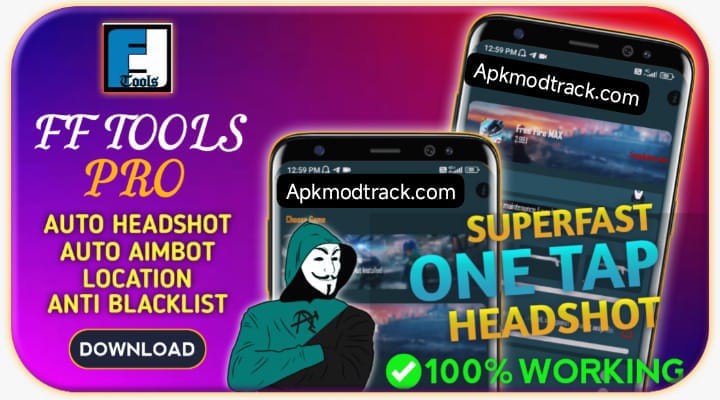
One of the main reasons players search for this tool is their interest in graphics settings, sensitivity options, and game performance. Depending on the version, the tool may advertise different features that help users explore available settings on their Android devices. Players who enjoy adjusting controls and display preferences can use these options to choose settings that feel more comfortable during gameplay.
Before downloading FF Tools Pro MOD APK, it is worth learning what the tool actually offers and how it works with your device. Not every version includes the same features, and advertised improvements are not guaranteed on every phone. In this guide, we will explore its possible features, settings, compatibility, and installation process in simple English, helping you make an informed choice before trying the app.
How Can FF Tools Pro MOD APK Help You Adjust the Game Quickly for Free?
Sometimes, players want to change their game settings without spending too much time going through different menus. FF Tools Pro MOD APK is often discussed as a tool that may offer quick access to certain graphics and sensitivity options. Depending on the version, users may be able to explore available settings in one place and choose options that suit their phone and personal playing style.
Another useful point is that tools of this type are often advertised as free to download. This can attract players who want to explore additional settings without paying for a separate utility app. Besides, if you are a football enthusiast, you can try out eFootball 2027 MOD APK. Options related to display quality, control sensitivity, and performance may vary between versions, so it is important to check the actual features before installing the tool.
The main goal is to make game adjustments easier and help players find settings that feel comfortable during matches. You can take time to understand each available option and see how it affects your experience. However, results depend on your device and the tool itself, and no third-party app can guarantee better performance. Always choose a trustworthy source and remember that unofficial tools may carry security risks or conflict with the game’s rules.
Understanding the Concept of FF Tools Pro MOD APK
What Is FF Tools Pro MOD APK?
FF Tools Pro MOD APK is an unofficial Android utility associated with Free Fire gameplay settings. It is commonly promoted as a tool for exploring different game adjustments. The features can vary depending on the version, so players should check what the app actually offers before installing it.
Easy Access to Game Settings
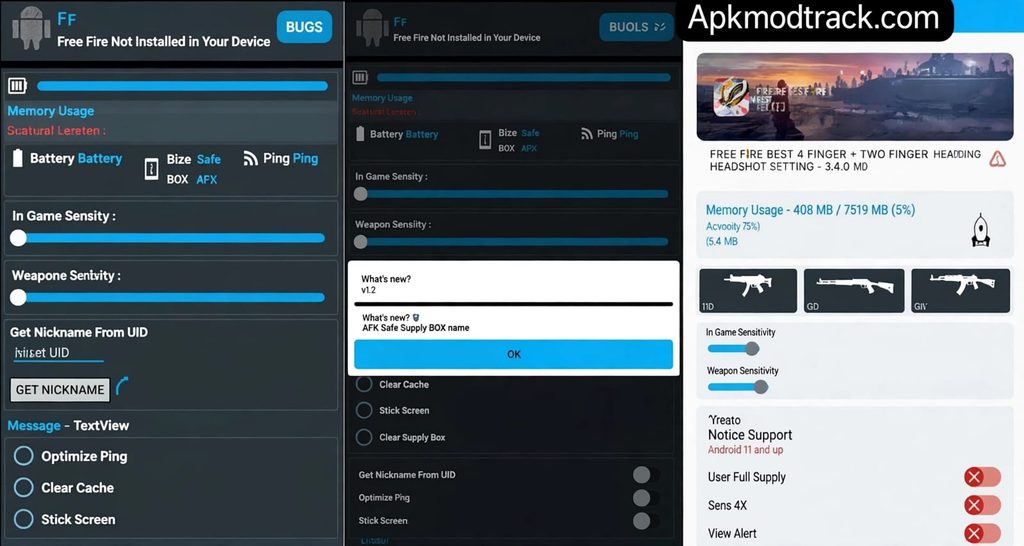
Many players look for simple ways to adjust their gaming experience. Tools like FF Tools Pro may advertise options related to graphics, sensitivity, or other settings. These options depend on the particular version and may not work on every device.
Graphics and Display Options
Graphics settings can affect how a game looks and runs on a phone. Some versions of FF Tools Pro claim to provide extra display adjustments. However, the results depend on the device, and advertised features may not always deliver the expected improvement.
Sensitivity and Control Adjustments
Sensitivity plays an important role in how players aim and move during matches. Some versions of the tool may advertise sensitivity-related options for players to explore. It is still important to understand each setting and use options that are supported by the game.
Compatibility With Android Devices
Every phone has different hardware, screen settings, and performance limits. Because of this, a tool that works on one device may not work the same way on another. Checking the app’s requirements and compatibility before installation can help users make a better choice.
Free Access and Available Features
FF Tools Pro MOD APK is often promoted as a free utility, which may interest players who want to explore additional settings. However, the features and access conditions can differ between versions. Read the available information carefully and avoid assuming that every advertised option will be included.
Quick Review of FF Tools Pro MOD APK Features
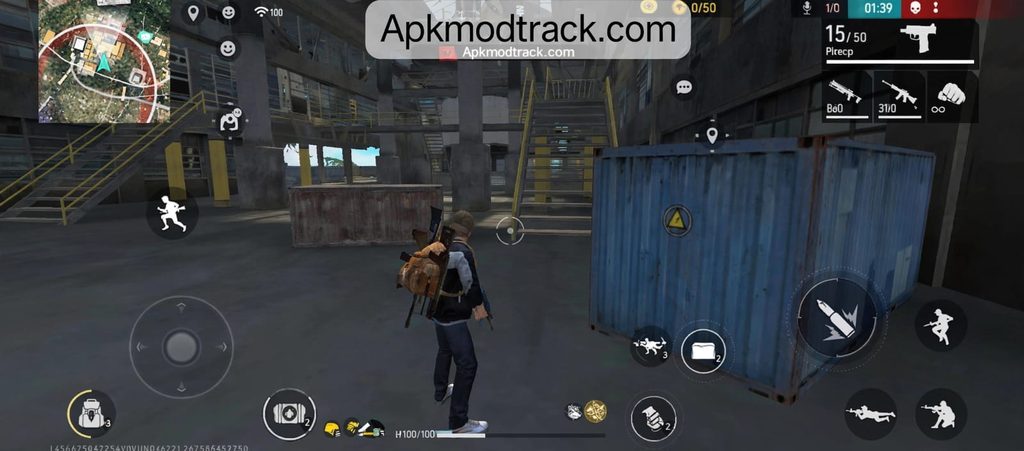
- Graphics adjustment options
- Sensitivity settings
- FPS adjustment options
- Game performance settings
- Touch response adjustments
- Easy settings access
- Android device compatibility
- Simple user interface
- Multiple customization options
- Free download claims
- Different version features
- Game settings customization
Ultimate Headshot Sensitivity and Sensi Booster Customization
Headshot Sensitivity Settings
Sensitivity settings help players control their aim and movement in Free Fire. FF Tools Pro MOD APK may advertise options for adjusting sensitivity, depending on the version. Finding comfortable settings can make aiming feel more natural during matches.
Sensi Booster Options
Some versions may offer sensitivity booster features for players who want to explore different control settings. These options can vary, and results depend on the phone and game configuration. Players should test supported settings carefully to find what feels right for them.
Custom Settings for Different Play Styles
Every player has their own way of aiming and moving. Exploring sensitivity settings can help users find controls that suit their personal play style. There is no single setting that guarantees a headshot every time.
Better Control During Matches
Comfortable sensitivity settings in FF Tools Pro Mod APK can help players feel more confident while aiming at moving opponents. Screen size, touch response, and personal practice all affect control. Using the game’s supported settings is a good way to develop a consistent playing style.
Full Compatibility With Free Fire MAX and Original Battle Royale Builds
Compatibility With Free Fire
FF Tools Pro MOD APK is often promoted for use with the original Free Fire game. However, compatibility depends on the tool’s version and the game’s current updates. Players should check the details before assuming that every feature will work correctly.
Support for Free Fire MAX
Free Fire MAX offers enhanced visual effects and graphics compared with the original version. Some third-party tools may claim to support Free Fire MAX, but support is not guaranteed. Always check whether the specific tool version is compatible with your game.
Original Battle Royale Gameplay
Battle royale matches require quick decisions, accurate aiming, and smooth controls. Players can adjust supported in-game settings to find a comfortable setup. Any third-party tool should be checked carefully before use.
Graphics Settings Compatibility
Graphics options can work differently across phones and game versions. A setting advertised by FF Tools Pro may not be available or effective on every device. Your phone’s hardware and the game’s own settings also affect the visual experience.
Sensitivity Settings Across Versions
Sensitivity preferences may differ between the original Free Fire and Free Fire MAX. Players should review the settings available in their own game and make adjustments gradually. Do not assume that settings from one version will transfer perfectly to another.
Android Device Support
Compatibility also depends on the Android version, available memory, and device hardware. An app may install on a phone but still fail to work as expected. Checking the app requirements can help prevent unnecessary installation problems.
Compatibility After Game Updates
Free Fire updates can change settings, features, and technical requirements. As a result, a third-party tool that previously worked may stop functioning properly. Check for reliable compatibility information after major game updates.
Differences Between Free Fire and Free Fire MAX
Although both games share similar battle royale gameplay, they can differ in graphics and device requirements. This means that a tool or setting may behave differently between the two versions. Players should choose settings based on the game they actually use.
Checking Features Before Installation
Before installing FF Tools Pro Mod APK, read the version information and check which game it claims to support. Avoid websites that make unrealistic promises or provide unclear download details. Unofficial tools may also create security risks or conflict with game rules.
Choosing the Right Settings for Your Game
The best setup depends on your device and personal preferences. Start with the official game’s built-in controls and graphics options, then check whether any additional tool is genuinely compatible. Remember that no tool can guarantee better performance or automatic headshots.
Step-by-Step Download Process for FF Tools Pro MOD APK
Check the App Details
Before downloading FF Tools Pro Mod APK, read about its features and supported Android versions. Check whether the information is clear and reliable. This helps you understand what the app claims to offer.
Find a Trustworthy Source
Look for reliable information about the app and its developer. Be careful with unfamiliar websites that show misleading download buttons or make unrealistic promises. Unofficial APK files may contain harmful software.
Check Your Android Device
Make sure your phone has enough free storage and runs a compatible Android version. Also, review the app’s requested permissions before installing it. Avoid apps that request access unrelated to their purpose.
Review the Downloaded File
If you obtain an APK file, check its name and source before opening it. Scan the file with a reputable mobile security tool where possible. Do not open files that appear suspicious or come from unexpected redirects.
Review Installation Permissions
Android may warn you when an app comes from outside the official app store. Read the warning carefully rather than ignoring it. If the source cannot be verified, the safer choice is not to install the file.
Open and Check the App
If you install an app from a source you trust, review its interface and available features carefully. Do not provide personal information or unnecessary permissions. Remember that features advertised online may differ from those in the actual app.
Check Free Fire Compatibility
Before using any third-party utility with Free Fire or Free Fire MAX, check the game’s official rules and compatibility information. Unofficial tools can create account or security risks, so using the game’s built-in settings is the safer option.
Do We Need to Pay for the Modded Version of FF Tools Pro MOD APK?
Free Download Availability
The modded version is often advertised as a free tool for players who want to explore different game settings. However, the price can depend on the website or version offering it. Always check the download details before assuming that every version is free.
No Subscription Claims
Some websites may claim that their version does not require a subscription or monthly payment. These claims should be checked carefully because unofficial versions can have different conditions. Avoid websites that ask for unexpected payments or personal financial information.
Easy Access to Features
A version advertised as free may offer access to certain settings without an additional purchase. The available features can vary, so read the app details before downloading. Do not assume that every advertised feature is included.
Check Before You Download
Even if a website describes the tool as free, that does not guarantee the file is genuine or safe. Choose trusted sources, review app permissions, and scan downloaded files when possible. The safest choice is to use official Free Fire settings and avoid unverified third-party APKs.
FAQs
1. Is FF Tools Pro MOD APK free to download?
Yes, some versions are available for free, allowing players to explore the advertised features without paying for a separate utility.
2. Can it help improve sensitivity settings?
Yes, certain versions offer sensitivity-related options that may help players explore controls that feel comfortable for their playing style.
3. Does it support Free Fire MAX?
Yes, some versions claim to support Free Fire MAX. Compatibility depends on the version, device, and current game updates.
4. Can I customize graphics settings?
Yes, some versions advertise graphics customization options that let users explore different display settings, depending on their device and the features available.
5. Is it easy to use on Android?
Yes, some versions are designed with a simple interface. Check the app details and permissions before installing, as unofficial APK files can carry security risks.
Summary
FF Tools Pro MOD APK is an interesting option for Free Fire players who want to explore different gaming settings and customization features. Depending on the version, it may offer options related to sensitivity, graphics, FPS, and controls. These features can help players discover settings that match their personal playing style and device preferences. Its simple approach to customization makes it a topic of interest for gamers who enjoy learning about new tools and exploring different ways to personalize their gameplay. Before installing, always check the available features and choose a trustworthy source for a better experience.