DLS 2026 MOD APK Download (v13.430) For Android & Ios
14 Oct 2026Version
V13.430Requirements
Android & IosDownloads
10000+
Description
DLS 2026 MOD APK is literally the best thing that’s happened to football gaming. Imagine having unlimited coins and gems, getting access to all the top players and teams, and playing in any stadium you want; it’s like you’re living the dream, bro. This MOD version gives you the freedom to customize your team, play matches without worrying about resources, and just enjoy the game to the max.
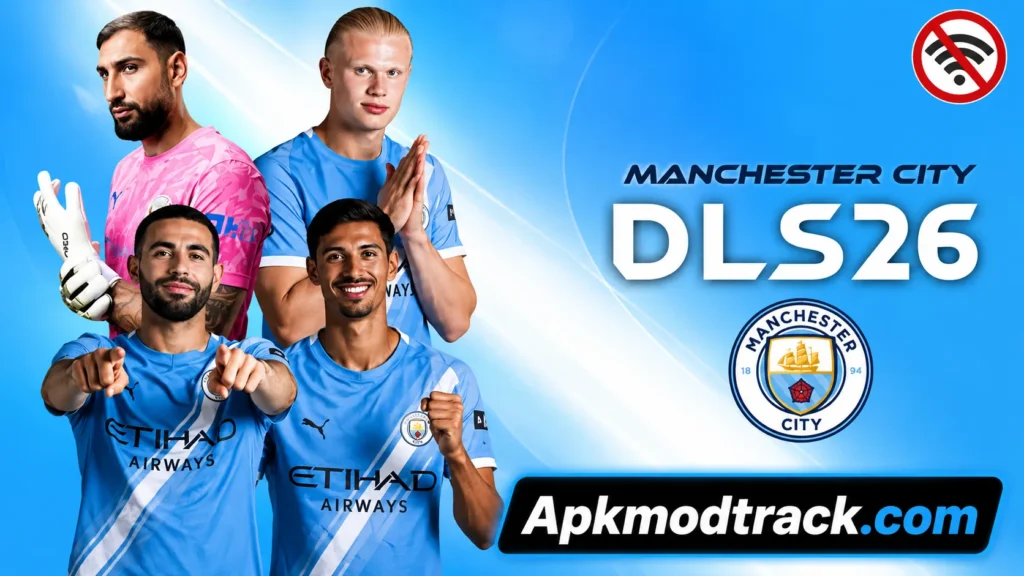
The best part about DLS 2026 MOD APK is how easy it is to get started. You don’t have to wait for hours to get coins or deal with annoying ads; everything’s just a tap away. Want to create your dream team with Messi and Ronaldo? Done. Want to play in a packed stadium with full atmosphere? No problem. It’s all about giving you the ultimate football experience without any limitations.
So if you’re ready to take your football gaming experience to the next level, DLS 26 MOD APK is worth exploring. It’s easy to install, and you can enjoy an exciting football experience right on your device. If you’re also a fan of wrestling games, WR3D 2K26 Mod APK offers a different kind of action with intense matches and wrestling gameplay. Both games provide unique entertainment for mobile gaming fans. Just make sure to download files from trusted sources and check the permissions before installing.
DLS 2026 MOD APK Quick Game Summary
DLS 2026 MOD APK is a game changer for football enthusiasts. It brings a whole new level of excitement to the game, with exclusive content and features that’ll keep you hooked. You’ll get access to new teams, player skins, and stadiums that make the game feel so real. The gameplay is incredibly smooth, and the controls are super responsive. You’ll feel like you’re right there on the pitch, making decisions and executing plays with precision. And with unlimited resources, you can build your dream team and play the way you want, whether that’s with a team of superstars or a squad of underdogs.
The best part is that it adds a ton of new features that keep the game fresh and exciting. Custom tournaments, leagues, and more it’s like having a whole new game to explore. If you’re a football fan, you’ll love DLS 2026 MOD APK. It’s a total blast. The game’s got everything you need to stay entertained for hours, and the MOD just takes it to the next level. You’ll be playing matches, creating teams, and living the football dream.
Overall, the modded version is a must-have for any serious football gamer. It’s got the works: unlimited coins, gems, players, and features. You’ll be unstoppable on the pitch, and you’ll have a ton of fun getting there. So if you’re ready to take your football game to the next level, the DLS 2026 MOD APK game is the way to go. Trust me, you won’t regret it.
Main Differences Between Original DLS 2026 and MOD Version
Resources: The Money Talk
The original game gives you limited coins and gems, so you’re stuck begging for more or opening your wallet. It’s like being on a tight budget; you have to prioritize and make tough choices. The DLS 2026 APK MOD version, on the other hand, gives you unlimited resources. You can build your dream team, buy anything you want, and play without worrying about running out of coins.
Players and Teams: The Dream Squad
The DLS 2K26 game has some awesome players and teams, but they’re not all available from the start. You have to earn or buy them, which can be a grind. The MOD version unlocks everything, so you can play with your favorite players and teams right off the bat. Imagine having Messi, Ronaldo, and Mbappe on your squad; that’s what the MOD version offers.
Features: The Fun Factor
The original game has some cool features, but some of them require a subscription or purchase. The MOD version gives you everything, including custom tournaments and leagues. You can play the way you want, when you want, without any restrictions. It’s like having the keys to the whole game.
Ads: The Buzz Kill
Ads can be super annoying, right? The original game has them, and they can pop up at the worst times. The MOD version is ad-free, so you can focus on playing and enjoying the game without interruptions.
Customization: Your Way, Your Game
This latest version game lets you customize your team, but the MOD version takes it to the next level. You can create your dream team, design your own stadium, and more. It’s your game, your way.
Top Unlocked Features in DLS 2026 MOD
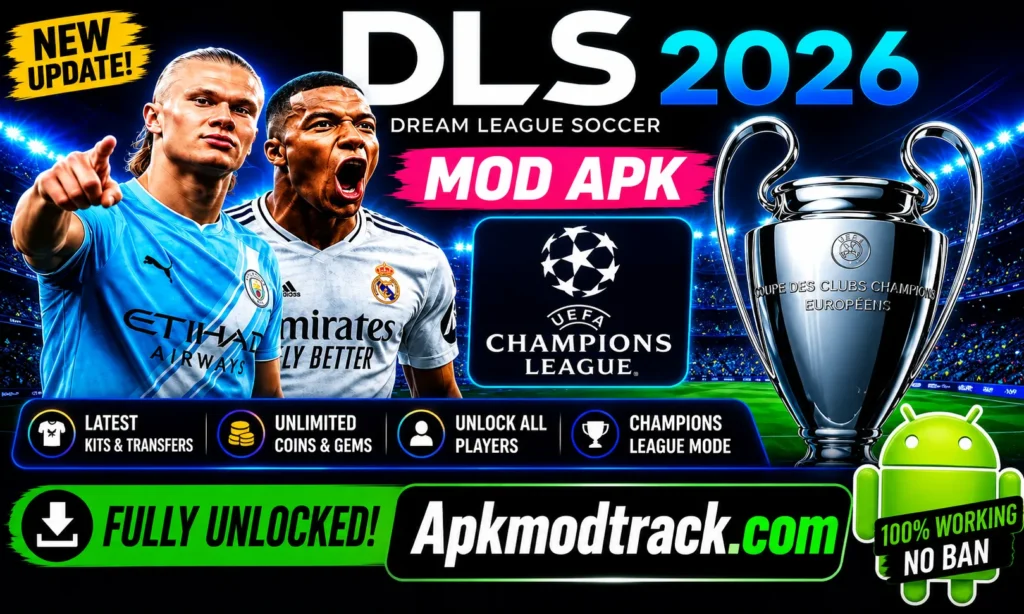
Unlimited Coins and Gems
Imagine having all the money you need to build your dream team in DLS 2026 MOD APK. With unlimited coins and gems, you can buy any player, upgrade your stadium, and get the best gear without worrying about running out of cash. It’s like having a never-ending supply of cash, and you can splurge on whatever you want.
All Secret Players and Top Legends Unlocked
This is the best part. You get access to all the secret players and top legends, including the ones that are usually locked or require a lot of effort to get. You can play with the best of the best, like Messi, Ronaldo, and other legendary players, without having to unlock them. It’s like having the ultimate squad.
Maxed Out Stadium and Facilities
Your stadium is like your home, and with the MOD, you can make it the best it can be. You can upgrade your stadium to the max, with top-notch facilities, and create an electric atmosphere that’s gonna give you an edge over your opponents. It’s like playing in a packed stadium, every time.
No Ads Interruptions
Ads can be super annoying, right? Well, with the DLS 2026 MOD, you don’t have to worry about them anymore. You can play the game without any interruptions and focus on crushing your opponents. It’s like having a VIP pass to the game.
How to Import Real Team Kits and Custom Logos
Find and Download Kit Files
You need to find kit files online from websites you trust. The DLS 2026 files are usually in a format that it can understand. Look for files that say they’re for the new version of the game or Dream League Soccer. Download the kits you like for the teams you want.
Locate the Game Folder
Find where the game is installed on your phone. Usually, it’s in the internal storage or SD card, in a folder called DLS or Dream League Soccer. You might need to use a file manager app to find it.
Add Kit Files to the Game Folder
Put the kit files you downloaded into the mod game folder. There’s usually a specific folder for kits, so make sure you put them in the right place. This tells the game where to find the new kits.
Import Kits in the Game
Open DLS 2026, go to the team you want to change, and look for the Import Kit option. The game will find the kits you added and let you apply them to your team. Pick the kit you want, and it’ll be applied.
Find or Create Custom Logos
You can make your own logo or download one from the internet. Make sure the logo is in PNG format and isn’t too big or too small. You want it to look clear in the game.
Add Logos to the Game Folder
Put the DLS 2026 logo file in the logos folder inside the game folder. If you don’t see a logos folder, you might need to create one.
Apply Logos in the Game
In the mod APK, go to the team you want to add the logo to. Find the Logo option and select it. Pick the logo you added, and it’ll be applied to your team.
Best Squad Formations to Win Division Matches
4-2-1-3 Formation
This formation is all about balance in DLS 2026. You have two defensive midfielders protecting your back four, and a lone attacking midfielder who links defense to attack. It’s great for controlling the game and building up play.
4-3-3 Quick Counter
This is an aggressive formation that relies on high-intensity pressure. You’ll dominate possession, but your midfielders need to have high stamina to track back when the ball is lost.
3-2-2-3 Long Ball Counter
This formation creates a solid defensive wall with three center-backs and two defensive midfielders. It’s perfect for defending deep and launching quick counter-attacks.
4-2-3-1 Formation
This is a balanced setup that provides defensive stability and attacking flexibility. Your two defensive midfielders shield the defense, while the attacking midfielder acts as the creative hub.
3-5-2 Counter
This formation stretches the field and provides constant crosses. Your wingbacks transition rapidly into attack, making it perfect for counter-attacks.
Easy Steps to Download and Install DLS 2026 MOD
Download the File
Find a trusted website that offers the DLS 2026 MOD APK. Make sure the site is reliable to avoid any issues with your device or the game. Click on the download link and wait for the file to download. It might take a few minutes depending on your internet speed. Ensure you have enough storage space on your device before starting the download.
Prepare Your Device
Before installing the DLS 2026 MOD APK, go to your phone’s settings and allow installation from unknown sources. This option is usually found in the security or privacy settings. Enabling this will let you install the MOD APK. Don’t forget to turn it off after installation to keep your device safe.
Install the game
Find the downloaded APK file on your device, usually in the downloads folder. Click on the file to start the installation process. Follow the on-screen prompts to complete the installation. Make sure to grant any necessary permissions, like storage access, so the game can work properly.
Launch and Enjoy the Game
Once installed, open the DLS 2026 game. The game might need to download some extra files when you first open it, so wait for the download to complete. After that, you’re good to go. You’ll have access to all the MOD features like unlimited coins, gems, and more. Start playing and enjoy the game.
How to Update DLS 2026 MOD Without Losing Your Team Progress
Backup Your Game Data
Before you update the game, it’s super important to back up your game data. This will save all your team progress, including your players, kits, stadium, and other important stuff. To do this, go to the game’s settings and look for the backup or save option. Create a backup of your current game data and save it somewhere safe, like your phone’s storage or cloud storage. This way, even if something goes wrong during the update, your data will be safe.
Uninstall the Current Version
Now, you need to uninstall the DLS 2026 current version from your device. Don’t worry, uninstalling the game won’t delete your backed-up data. Go to your phone’s settings, find the apps or applications section, and uninstall.
Download the Latest MOD Version
Next, you need to download the latest version from a trusted source. Make sure you’re downloading from a reliable website to avoid any issues with your device or the game. Click on the download link and wait for the APK file to download.
Install the New Version
After the download is complete, find the DLS 2026 APK file on your device and click on it to start the installation process. Follow the on-screen prompts to install the new version of the game. Make sure to allow any necessary permissions, like storage access.
Restore Your Game Data
Once the installation is complete, open the MOD game and go to the game’s settings. Look for the restore or import option and select it. Choose the backup you created earlier to restore your team progress. The game should load your saved data, including your players, kits, and stadium.
Check Your Progress
Finally, launch the game and check if everything is restored correctly. Your team progress, players, kits, and stadium should be there. If everything looks good, you’re all set to play the updated version of the game.
Is DLS 2026 MOD APK Safe to Play?
Safe to Download and Play
The latest version of DLS 2026 is safe to download and play. You can enjoy the game with extra features like unlimited coins and gems without worrying about any issues.
Trusted Sources Only
The safety of the MOD APK depends on where you download it from. Make sure to download
MOD from a trusted and reliable website. This way, you can be sure the file is genuine and won’t cause any problems with your device.
Extra Features, No Hassles
You get access to awesome features like unlimited resources and premium content. You can play the game without interruptions or limitations, making it more fun and exciting.
Millions of Players Enjoy It
Lots of players have downloaded and played without any issues. You can join them and enjoy the game with all the cool MOD features.
Play with Peace of Mind
As long as you download from a trusted source, you can play this modded game with peace of mind. You’ll have a great time playing the game with all the extra features.
Final Verdict
DLS 2026 MOD APK is the ultimate package for football fans. It gives you unlimited coins, gems, and premium features, making the game super fun and exciting. With easy installation and updates, you get to enjoy the best gameplay without limitations. Download from trusted sources, back up your data regularly, and play with peace of mind. You’ll get awesome features like unlimited resources, custom kits, and more. The game is safe, and millions are enjoying it. So, download now and take your football experience to the next level with the best teams, players, and gameplay.
Frequently Asked Questions
1. Is it DLS 2026 MOD APK safe to download and play?
Yes, it’s safe if you download from a trusted source. You’ll enjoy extra features like unlimited coins and gems without issues.
2. How do I update the MOD APK?
Back up your game data, uninstall the current version, download the latest MOD APK, install it, and restore your data. Your team’s progress will be safe.
3. Can I play online with the MOD APK?
Yes, but be cautious. Some servers might detect MODs and restrict your access. Play online at your own risk.
4. How do I get unlimited coins?
The MOD APK provides unlimited coins. Just download and install it, and you’ll have access to unlimited resources.
5. Can I use multiple MODs at once?
It’s not recommended. Using multiple MODs can cause conflicts and issues with the game. Stick to one MOD at a time.
6. Will I lose my team progress if I uninstall?
No, if you back up your game data before uninstalling, you can restore it later. Just make sure to back up regularly.
7. Can I switch between MOD and the original version?
Yes, but back up your data first. Switching versions might cause issues, so be cautious and back up regularly.