DFL 2026 Mod FIFA 16 APK Obb File Download Free Latest v4.0
TodaySize
1.43 GBVersion
V4.0Requirements
Android & IosDownloads
10000+
Description
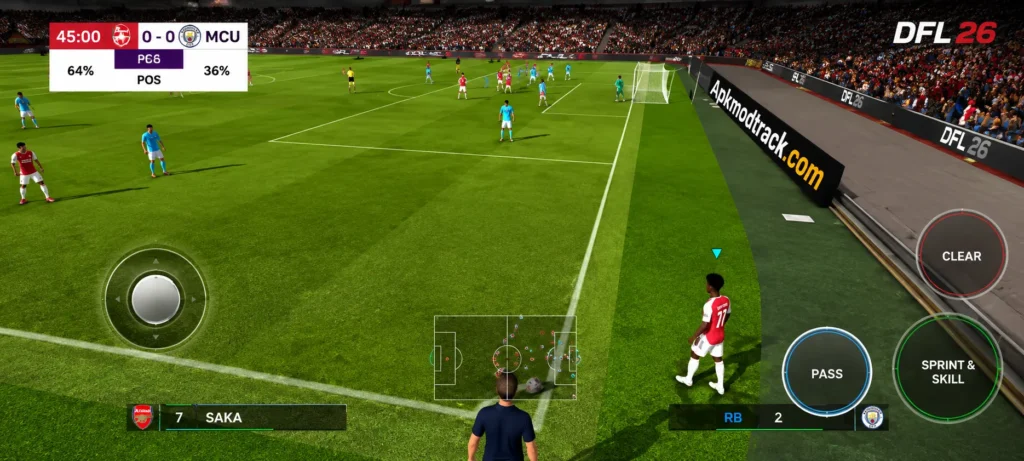
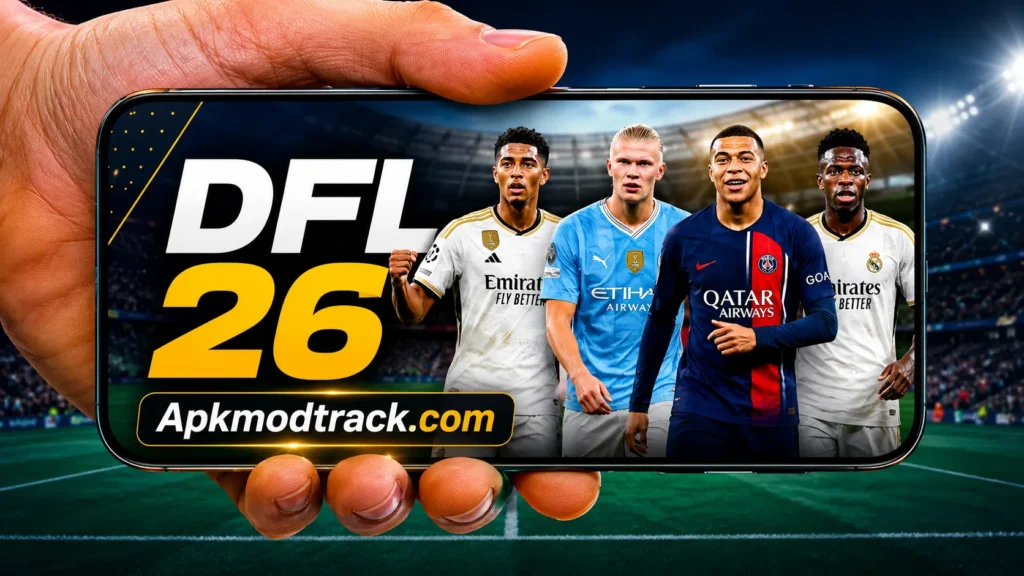
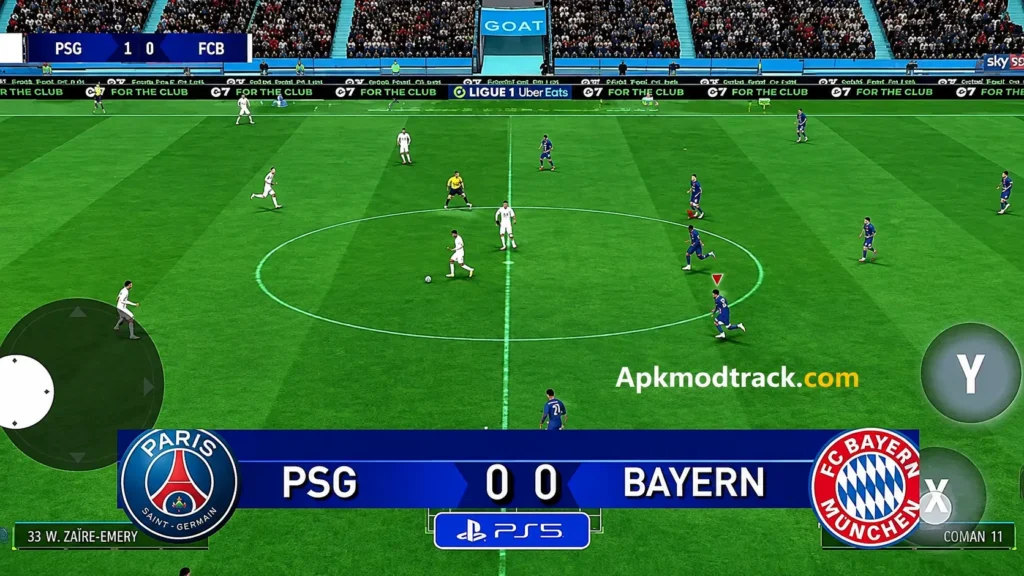
DFL 2026 MOD APK is here, and it’s going to change the way you play football games on your phone! This game is all about giving you the best football experience with awesome features and unlimited resources. Whether you’re a fan of playing matches, managing teams, or just loving the football atmosphere, it has got you covered. You can play with your favorite teams, create your own players, and even customize the look of your stadium.
The game brings you unlimited coins and gems, so you can build your dream team, buy the best players, and upgrade your stadium without worrying about money. You get to play with top-notch graphics, realistic gameplay, and loads of customization options. Plus, the MOD APK version lets you access premium features without any restrictions. Want to play with a team full of superstar players? No problem! Want to upgrade your stadium to the max? Easy!
DFL 2026 MOD APK is perfect for football lovers who want to enjoy an exciting mobile football experience. With its engaging gameplay, team management options, and thrilling matches, it offers plenty of entertainment for football fans. If you also enjoy cricket games, Real Cricket 2026 MOD APK is another option worth exploring, featuring exciting batting, bowling, and cricket matches.
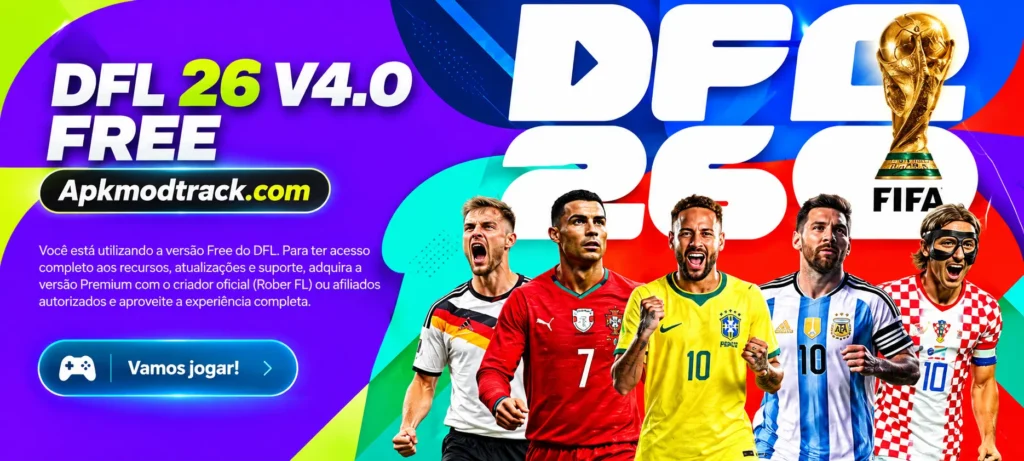
DFL 2026 MOD APK at a Glance
Quick Game Info & Main Points
It is a football management game where you can play matches, manage teams, and customize everything. The MOD version gives you unlimited coins and gems, so you can build your dream team and stadium without worrying about resources. The game has high-quality graphics and realistic gameplay, making it super fun to play.
Original DFL 2026 vs. Custom MOD Build
The original DFL 2026 game has limitations like limited coins and gems, and some features are locked behind in-app purchases. Plus, you’ll see ads, which can be annoying. On the other hand, the Custom MOD Build gives you unlimited coins and gems, unlocks all premium features, and removes ads. This means you can play the game without interruptions, customize everything, and enjoy football like never before. The MOD version is perfect if you want full control and unlimited fun.
Free Rewards & Gifts in DFL 2026 MOD
Free Rewards & Gifts
You get lots of rewards and gifts. This means you can grab cool items, players, and other goodies without having to earn them or spend money. The MOD version is generous with rewards, making it easier to progress and have fun.
Endless Coins & Shopping Budget
This majestic football game gives you unlimited coins to spend on players, kits, upgrades, and more. You can buy anything you want in the game without worrying about running out of coins. This lets you build your dream team and customize everything.
Instant Access to All Players & Legendary Stars
You can play with any player in the game, including superstar players and legendary stars. You don’t have to sign them or buy them; they’re available instantly. This means you can create a team full of top players and play awesome matches.
Maximum Level Stadium & Club Grounds
Your stadium and club grounds are top-notch. You get maximum-level facilities without having to upgrade them. This gives you the best environment to play matches and train players.
Smooth Graphics with Zero Ads
DFL 2026 latest version runs smoothly with great graphics, and you won’t see any ads. This means you can enjoy the game without interruptions, focusing on playing and having fun.
Setting Up Custom Team Kits & Club Badges
How to Import Kit URLs Step-by-Step
To import a custom kit, you’ll need to get the kit URL from a website that provides the kit URLs. First, find a kit you like and copy its URL. Then, open the MOD game and go to the settings. Look for an option like Import Kit or Custom Kit; it might be under a section like Team or Appearance. Once you find it, paste the kit URL you copied earlier and apply it. The game will update your team’s kit to the custom design. If you have trouble finding the option, you can check the game’s help section or online guides for more help.
Changing Your Team Logo in Game Settings
Changing your team logo in DFL 2026 MOD APK is pretty straightforward. Go to the game settings and look for a Team Logo or Club Badge option – it’s usually in the team management or appearance section. Once you’re there, you can pick a logo from the available options in the game, or if the game allows it, you might be able to upload your own custom logo. After you’ve picked or uploaded your logo, make sure to save the changes. Your team’s new logo should show up in the game right away, making your team look unique.
Complete Setup Guide for Android Phones
Download the game
To get started, you need to download the MOD APK file. Go to a trusted website that provides MOD APKs and search for MOD. Make sure you download it from a reliable source to avoid any issues. Click on the download link and wait for the file to download on your phone.
Allow Installation from Unknown Sources
Before you can install the APK, you need to allow your phone to install apps from unknown sources. Go to your phone’s Settings, then Security or Privacy, and look for Install unknown apps or Unknown sources. Enable this option for the browser you’re using.
Install DFL 2026 MOD APK
Once the download is complete, open the APK file and follow the on-screen instructions to install the game. It’ll ask for some permissions, so grant them if needed. Wait for the installation to finish.
Open the Game and Grant Permissions
After installation, open DFL 2026 latest modded version and grant any permissions it asks for, like storage access. The game will start, and you can begin setting it up.
Set Up Your Team and Game Settings
In the game, set up your team and customize settings like graphics, sound, and controls. You can also import custom kits and change logos as we discussed earlier.
Safe Upgrade Guide: Keep Your Saved Team Progress
Backup Your Data
Before you upgrade, make sure to back up your game data. Go to the game’s settings and look for a Backup or Save Data option. Save your team progress to cloud or local storage. This way, if anything goes wrong during the upgrade, you won’t lose your progress. It’s like saving your game before you turn off the console, just in case something happens. So, take a minute to back up, and you’ll be safe.
Uninstall the Old Version
Uninstall the current version from your phone. Don’t worry, your data is safe if you backed it up earlier. Just go to your phone’s settings, find the app, and uninstall it. This clears space and gets you ready for the new version.
Install the New Version
Download and install the latest MOD APK from a trusted source. Make sure it’s the right version for your phone. Check the website or source to ensure it’s legit and safe. Once downloaded, install it like you would any other app.
Restore Your Data
Open the new version and check if it asks to restore your saved data. If it does, restore it to get your old team progress back. If you have trouble, check the game’s help section or online guides. Your team should be back to where you left off.
Online Multiplayer and Friendly Matches Options
What is Online Multiplayer?
In DFL 2026 MOD, online multiplayer lets you play against other players worldwide. You can join leagues, tournaments, or play casual matches. It’s a great way to test your skills and have fun competing.
How to Play Online Multiplayer
To play online, make sure you have a stable internet connection. Go to the game’s menu, find the online multiplayer option, and choose a match type. You might need to log in or create an account for online features.
What are Friendly Matches?
Friendly matches are casual games with friends or other players. You can customize settings like match length, stadium, and more. It’s perfect for playing with buddies or warming up.
How to Play Friendly Matches
To play a friendly match, go to the game’s menu and find the friendly match option. Choose settings, pick your teams, and start playing. You can play with friends locally or invite others online.
Security Review: Is DFL 2026 MOD Safe for Your Device?
Safety Measures in Place
The MOD is generally safe if downloaded from trusted sources. Reputable MOD providers scan files for malware and viruses to ensure they’re safe for your device. This means you can enjoy the game with awesome features like unlimited coins and gems without worrying too much about security.
No Guarantees, But Precautions Help
While no download is 100% risk-free, you can minimize risks by downloading from trusted websites only, reading user reviews and comments, and checking the MOD’s ratings and updates. Taking these simple steps can save you from potential headaches.
Protecting Your Device
To stay safe, use antivirus software on your device, grant permissions carefully when installing, and back up your data regularly. These are good practices for any app or game you install.
What to Watch Out For
Watch out for suspicious download links or pop-ups, requests for excessive permissions, and poor reviews or warnings from others. If something feels off, it’s better to avoid it.
Best Practices Keep You Safe
By being cautious and downloading from trusted sources, you can enjoy the DFL 2026 APK without major risks. Stay smart, stay safe.
Final Verdict and Rating
DFL 2026 MOD gets a solid 4.5/5 stars. It’s a fantastic game with awesome features like unlimited coins and gems, online multiplayer, and loads of customization options. You’ll love playing with your favorite teams and competing against others. The MOD version gives you extra perks to make the game even more fun. Just make sure to download it from trusted sources to stay safe, and you’ll be good to go. Overall, it’s a great choice if you love football games; it gives you lots of excitement and gameplay.
Frequently Asked Questions
1. Is DFL 2026 MOD safe to download?
Yes, it is generally safe if downloaded from trusted sources. Check reviews, ratings, and ensure the site is legit.
2. How do I install on Android?
Download the APK from a trusted site, allow unknown sources in settings, and install.
3. Can I play the game offline?
Some features might work offline, but online features need internet. Check the game’s info.
4. How do I get unlimited coins/gems?
The MOD version often includes unlimited coins/gems. Use them in-game as you’d like.
5. Can I restore my data after updating?
Yes, if you back up your data before updating. Restore it after installing the new version.
6. Does MOD have online multiplayer?
Yes, check the game’s menu for online options and rules.
7. How do I change my team logo?
Go to team settings/appearance and pick/upload a logo.
8. Do I need an account for online features?
Possibly. Check the game’s info for login/account details.